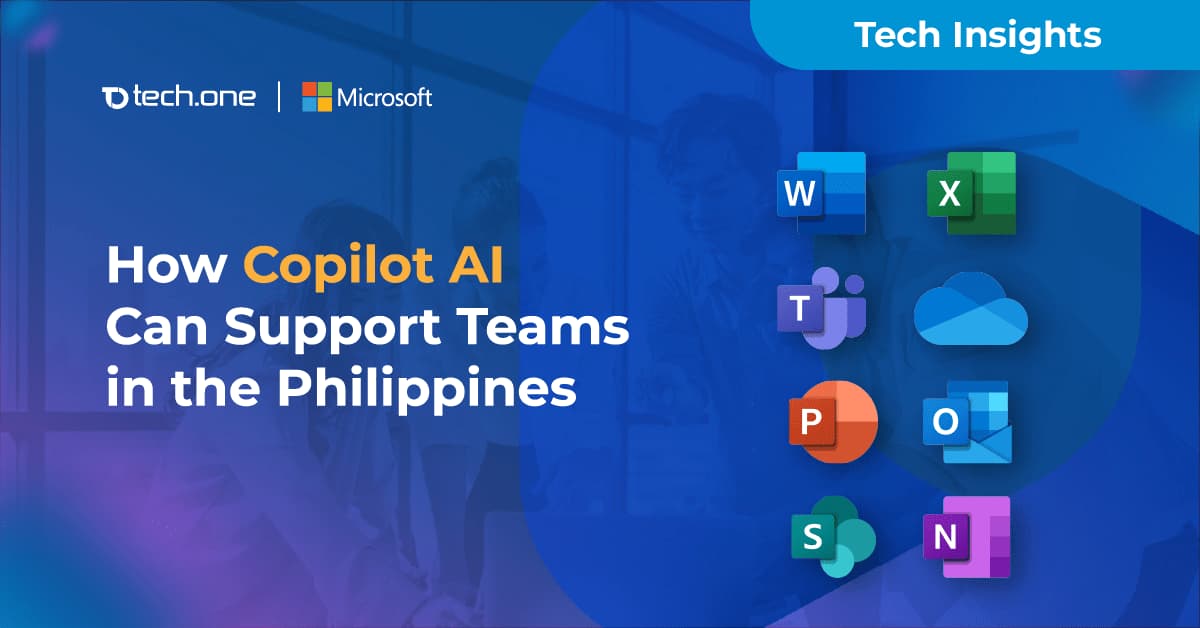
How Microsoft Copilot Can Support Teams in the Philippines
AI adoption in the Philippines has reached a tipping point. As of earlier this year, Microsoft reported that 86% of Filipino knowledge workers were already using AI in their daily tasks. That momentum has only grown. But while usage is widespread, many organizations are still playing catch-up when it comes to structure. Without clear policies, secure deployment models, or coordinated strategies, the risk of fragmented implementation continues to rise—especially in areas like data governance and operational consistency.
Now, with only a few months left in 2025, the gap between AI-ready organizations and those still experimenting is becoming increasingly visible. Companies that moved early to integrate tools like Microsoft Copilot across their workflows are already seeing gains in speed, decision-making, and output quality. Others are realizing that informal adoption is no longer enough. The opportunity to lead is still here, but the window is narrowing. What was once a trend has become the standard.
AI Is Becoming a Core Member of the Workforce
The enthusiasm around AI is well-founded, but turning that enthusiasm into performance is what sets leading organizations apart. In the Philippines, 89% of business leaders believe AI is critical to maintaining competitiveness, according to Microsoft. McKinsey reinforces this by showing that organizations using AI in structured, focused ways consistently report improvements in speed, cost-efficiency, and quality of output.
For support teams in particular, the benefits are clear and measurable:
- Document creation is up to 12% faster
- Employees save more than 30 minutes per week on routine email tasks
- Burnout is reduced when AI handles repetitive admin tasks like meeting notes, summaries, and follow-ups
These gains do not just improve individual productivity. They translate into faster execution across teams, stronger decision-making at all levels, and a better overall employee experience. Organizations that move from AI experimentation to structured use are already seeing the payoff.
What is Copilot AI?
Copilot AI is Microsoft’s productivity assistant designed specifically for the modern organization. It is built directly into Microsoft 365 applications such as Word, Excel, PowerPoint, Outlook, and Teams. Unlike external AI tools that require switching platforms or copying data between systems, Copilot operates within the applications employees already use every day. It draws from calendars, emails, files, and chats to generate responses that are accurate, relevant, and tied to real work.
For organizations in the Philippines already using Microsoft 365, Copilot offers immediate value. There is no need to overhaul systems or adopt unfamiliar tools. Teams can boost efficiency, reduce repetitive work, and improve communication using an AI assistant that fits naturally into their existing environment. It is a smarter, more secure way to introduce AI without disrupting day-to-day operations.
Microsoft Copilot AI vs. Other AI Tools
Not all AI solutions are created equal. While consumer-facing tools such as ChatGPT or Gemini offer general capabilities, Microsoft Copilot is purpose-built for your organization.
Here is how Copilot compares against other AI platforms in the market:
For enterprises already using Microsoft 365, Copilot offers unmatched ease of deployment, contextual depth, and policy alignment.
Why Microsoft Copilot Sets the Standard for Data Security
When adopting AI tools across your organization, trust is not optional — it’s essential. While many popular AI platforms collect user input to improve their models, Microsoft Copilot follows a fundamentally different approach designed for the enterprise.
With Copilot, your data remains your data. It does not train the foundation models. It is not shared with Microsoft or any third parties. Documents, emails, chat logs, and files used by Copilot are processed securely and temporarily, in compliance with Microsoft’s enterprise-grade security and privacy standards.
It gets your data from the Microsoft 365 apps and services you already use, limited to the content you have permission to access. This includes OneDrive and SharePoint files, emails, Teams chats, meeting invites, and transcripts, as well as organizational data such as people profiles and organizational charts. Copilot only surfaces what is already available to you within Microsoft 365. It does not access anything private or outside your organization unless you explicitly request public web information.
For organizations operating in regulated sectors or handling sensitive information, this distinction matters. Microsoft maintains zero data retention from prompts, meaning Copilot has no memory of your input once a session ends. Your intellectual property stays where it belongs — inside your organization.
This architecture is one of the key reasons Copilot is rapidly being adopted by large enterprises worldwide. Unlike public-use AI tools, Copilot is built to meet the compliance, data residency, and identity standards required at scale.
What Can Copilot Do for Your Business
Copilot is not theoretical — it’s already delivering results across teams that depend on speed, clarity, and consistent execution. Because it’s embedded directly into Word, Excel, Outlook, PowerPoint, and Teams, employees don’t need to learn a new system to benefit from it.
Here’s what Copilot is already helping teams accomplish:
Because Copilot operates inside the tools your teams already use, adoption is faster and smoother. There is no need to switch platforms or add new logins. This makes it ideal for busy organizations that want immediate impact without disruption.
How to Successfully Integrate Copilot into Your Organization
Introducing Copilot into your business is not just about licensing software — it’s about preparing your organization to adopt AI effectively and responsibly. Success depends on three critical foundations:
1. Get Your Data Ready
Copilot relies on the information your team already works with — files, emails, chats, and calendars. To get the most out of it, ensure your data is structured, accessible, and secure. This means updating permissions, cleaning up old drives, and aligning teams on best practices for file organization.
2. Make Sure the Technology Stack Is Ready
Since Copilot runs inside Microsoft 365, organizations need to verify that licensing, compliance, and tenant configurations are in place. Most Philippine organizations already using Microsoft 365 are nearly there. The next step is enabling Copilot features in a way that aligns with your IT strategy.
3. Work With a Trusted Local Partner
Rolling out Copilot at scale involves more than turning it on. It requires clear use cases, engaged leadership, end-user training, and ongoing refinement. A local partner with deep technical knowledge and business context like Tech One Global Philippines — can guide you through the entire process, from readiness assessments to workforce enablement.
Partnering for Success with Tech One Global Philippines
At Tech One Global Philippines, we help organizations move from strategy to impact. Our Copilot deployment framework is built to reduce friction, improve adoption, and ensure teams see value from day one. We guide companies through every step of structured deployment, including readiness assessments, integration planning, and workforce enablement.
As a multi-awarded Microsoft Partner in the country with a Microsoft Solutions Partner designation in Modern Work with 4 Advanced Specializations and Data & AI, we provide the guidance and expertise that organizations can rely on. Our role is to help you assess your current tools and identify how Microsoft 365 can enhance collaboration, strengthen security, and improve productivity for your team today.
Our approach focuses on outcomes: reducing complexity, increasing adoption, and ensuring AI becomes a sustainable part of how your teams work. If you are ready to make Copilot part of your organization’s next phase of growth, we are here to help you take the next step.

Filipino Organizations Using Copilot Are Gaining a Competitive Edge
Across the Philippines, businesses that have moved beyond AI experimentation are beginning to pull ahead. These are not just the largest companies, but the most prepared — those that have structured their data, aligned their systems, and equipped their people to use Copilot as part of daily work.
The results are already visible: faster workflows, more responsive support functions, and teams that spend less time on routine tasks and more time on decisions that move the business forward.
This is not about replacing people with automation. It is about raising the standard of how teams work and giving them the tools to do more with greater precision. As adoption accelerates, the gap between early movers and late adopters is widening.
The real advantage lies in acting with intention — choosing to treat Copilot not as a trend, but as a business asset. With the right partner and a structured approach, AI becomes more than a technology shift. It becomes an operational edge.
Tech One Global Philippines is ready to help you take that next step.